Insta Down| Why Instagram Stops Working and What You Need to Know
Introduction
Instagram has become an essential part of modern digital life. Millions of people use the platform every day to share photographs, watch short videos, communicate with friends, discover new trends, and promote their businesses. From individual content creators to international brands, Instagram plays an important role in online communication. However, like every internet-based service, it can sometimes experience unexpected technical problems.
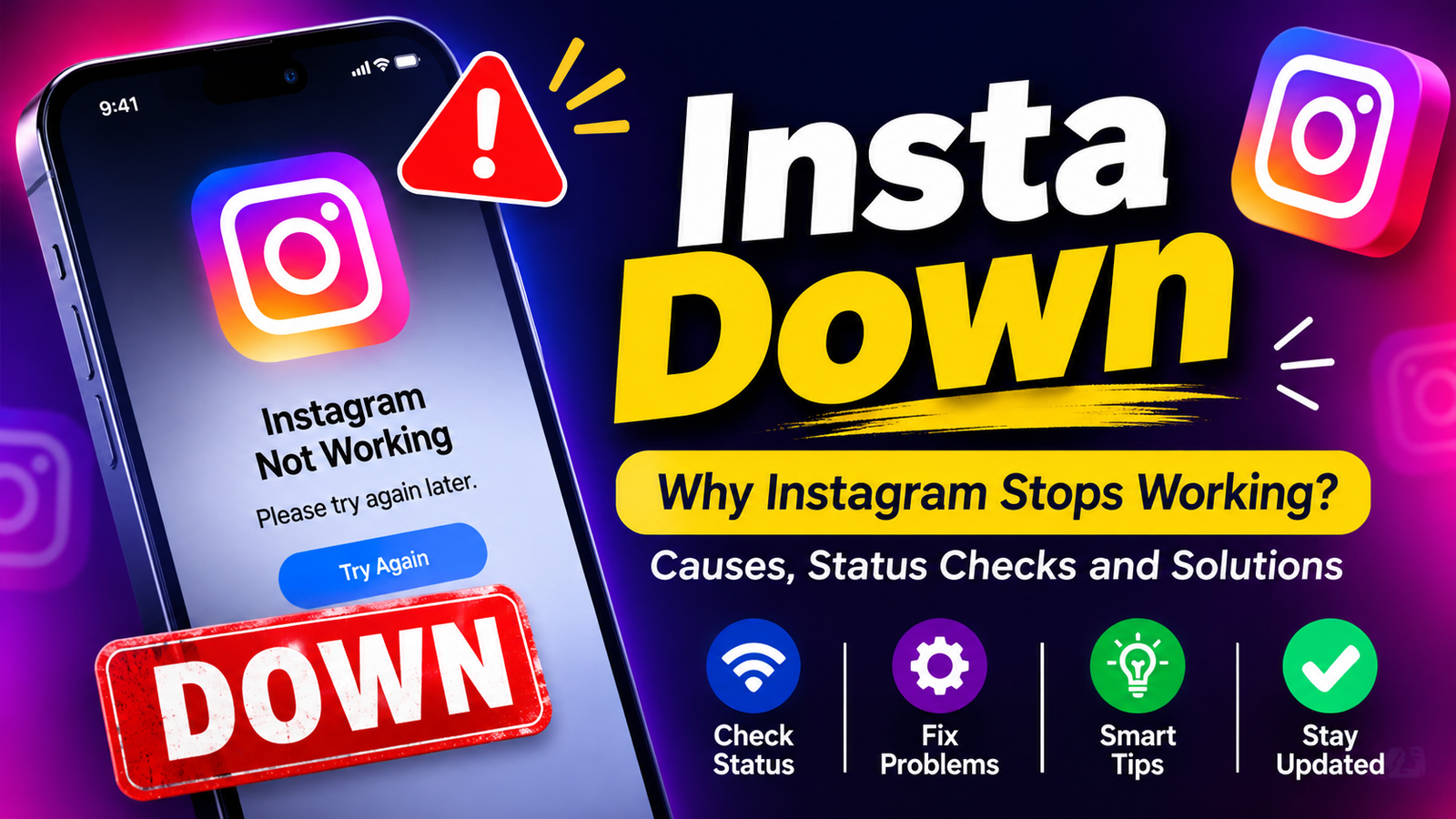
When users suddenly cannot open Instagram, refresh their feeds, watch Reels, or send messages, they often search for the term “Insta Down.” This search usually indicates that people want to know whether Instagram is experiencing a widespread outage or whether something is wrong with their own devices.
An Instagram problem does not always mean the entire platform has stopped working. Sometimes only one feature becomes unavailable, while other services continue operating normally. In other situations, the problem may come from a weak internet connection, an outdated application, or a temporary device error.
Understanding these differences can help users identify the real cause instead of wasting time trying random solutions. This article explores why Instagram goes down, how users can recognize technical interruptions, what causes common errors, and how to deal with Instagram when it stops working.
What Is Insta Down?
Insta Down is a commonly used search phrase that describes situations in which Instagram becomes unavailable, slow, or difficult to use. The term can refer to a complete service outage or a problem affecting specific features of the platform.
For example, some users may be unable to log into their accounts, while others can access their profiles but cannot upload photographs or play videos. There are also situations where direct messages stop working even though the home feed remains available.
Instagram operates through several connected technical systems. These systems manage account access, content delivery, messaging, notifications, media uploads, and other functions. Because these services depend on different processes, a technical problem in one area does not necessarily affect everything else.
This explains why two users can experience completely different problems at the same time. One person may have difficulty watching Reels, while another may experience repeated login errors. Both might search for Insta Down, even though their problems have different causes.
Why Does Instagram Sometimes Stop Working?
Instagram depends on a large technology infrastructure that allows users to access content and communicate in real time. Although this infrastructure is designed to handle enormous amounts of activity, unexpected problems can still occur.
One possible cause is a server failure. Servers process requests whenever users open the application, refresh their feeds, upload media, or send messages. If an important server or supporting system experiences an interruption, some features may become temporarily unavailable.
Software errors are another possible reason. Instagram regularly receives updates intended to improve performance, introduce features, and fix existing problems. However, software changes can sometimes create unexpected bugs or compatibility issues.
Network interruptions can also affect access. Information travels through several networks before reaching Instagram’s systems. If an internet service provider or network connection experiences difficulties, users in a particular area may struggle to access the platform.
High traffic can create additional technical pressure. Major events, viral trends, and popular content can attract large numbers of users. Although Instagram is built to support significant activity, unusual conditions can sometimes contribute to performance problems.
In many cases, technical teams must identify the source of an interruption before restoring normal service. This is why some problems disappear quickly while others take longer to resolve.
Signs That Instagram May Be Experiencing an Outage
Recognizing the signs of a possible Instagram outage can help users understand whether the problem is bigger than their individual device.
Instagram Feed Stops Updating
One noticeable sign is a home feed that refuses to refresh. Users may continue seeing old posts even after pulling down the screen several times. This can indicate a content-loading problem or a temporary interruption affecting the service.
Reels and Videos Refuse to Play
Instagram Reels depend on video delivery systems that allow content to load and play smoothly. When these systems experience difficulties, users may see blank screens, loading animations, or videos that stop unexpectedly.
Direct Messages Become Unavailable
Another possible sign is a problem with Instagram’s messaging feature. Messages may fail to send, conversations may not update, or users may experience delays when opening their inboxes.
Login Attempts Keep Failing
If users suddenly cannot access their accounts despite entering the correct information, an authentication problem may be involved. However, login failures can also result from account security checks or incorrect credentials.
Multiple Features Stop Working Together
When several unrelated features become unavailable at approximately the same time, a wider service interruption becomes more likely. However, users should still check their internet connection and compare reports before reaching a conclusion.
Is Instagram Down for Everyone or Just You?
This is one of the most important questions users ask when Instagram stops working. The answer depends on where the technical problem originates.
A widespread outage generally affects multiple users, devices, or locations. If many people report similar problems at the same time, Instagram may be experiencing a service interruption.
On the other hand, a local problem usually affects one device, account, or internet connection. For example, Instagram may work normally on mobile data but fail when connected to a particular Wi-Fi network.
Users can perform a few simple tests to understand the difference. First, open another website or application. If other online services are also unavailable, the internet connection may be responsible.
Next, switch between Wi-Fi and mobile data. If Instagram starts working after changing networks, the original connection may have been causing the problem.
Another useful test is opening Instagram through a browser or another device. If the website works but the application does not, the issue may be related to the installed app.
These simple comparisons can help users avoid confusing a personal technical problem with a platform-wide outage.
Read Must: LEGO Eye of Sauron | Complete Guide to the Iconic Barad-dûr Set
Common Reasons Instagram Is Not Working
Several issues can prevent Instagram from operating normally. Understanding them makes troubleshooting easier.
Weak Internet Connection
Instagram requires a stable internet connection to load posts, display videos, upload content, and send messages. Slow mobile data or unstable Wi-Fi can interrupt these activities.
Outdated Application
Older versions of Instagram may contain bugs or compatibility problems. Updating the application can sometimes improve performance and resolve known issues.
Corrupted Temporary Files
Applications store temporary information to improve loading speed. However, corrupted cache files can sometimes interfere with normal operation and cause unexpected errors.
Smartphone Performance Problems
Limited storage, outdated operating systems, or temporary software glitches can affect application performance. If other applications are also crashing, the problem may be related to the device.
Account Restrictions
Some users may experience limitations because of unusual account activity, security checks, or violations of platform policies. These situations should not automatically be treated as an Instagram outage.
Read More: Discord Increased API Error| Everything You Need to Know
How to Fix Instagram When It Is Not Working
If Instagram is not working correctly, users can try several practical solutions. The best approach is to start with simple checks before making major changes to the device.
1. Check Your Internet Connection
Open another website or application to determine whether your internet connection is working. If the connection is unstable, restart your router or switch to mobile data.
2. Close and Reopen Instagram
Completely close the application and launch it again. This can resolve temporary problems that occur while the app is running.
3. Update the Application
Check whether a newer version of Instagram is available for your smartphone. Application updates often include performance improvements, security changes, and bug fixes.
4. Clear the App Cache
Android users can clear Instagram’s temporary cache files through their device settings. This may help resolve certain loading and performance problems.
5. Restart Your Smartphone
Restarting the device can refresh system processes and resolve minor software issues. After restarting, open Instagram and check whether the problem continues.
6. Check Available Storage
A smartphone with very limited storage may experience performance problems. Removing unnecessary files and applications can help improve overall device performance.
7. Reinstall Instagram
If the application continues to crash, reinstalling it may help. Before uninstalling, make sure you know your login details and understand that unsaved drafts may be lost.
8. Wait for Service Recovery
If the problem affects many users and appears to be related to Instagram’s infrastructure, local troubleshooting may not help. In that situation, waiting for the platform to restore its services is usually the best option.
How Instagram Outages Affect Content Creators and Businesses
Instagram outages can affect more than people who use the platform for entertainment. Many creators and businesses depend on Instagram as part of their daily operations.
Content creators use the platform to publish videos, interact with followers, and maintain audience engagement. When publishing tools or messaging services become unavailable, their regular activities can be interrupted.
Small businesses may also experience difficulties because Instagram is often used to display products, answer customer questions, and communicate with potential buyers.
Digital marketing professionals face another challenge. They may be unable to monitor campaigns, publish scheduled content, or review engagement statistics during an interruption.
These situations demonstrate why maintaining an independent online presence is important. Businesses should keep important customer information, content files, and communication channels outside a single social media platform.
Having a website, an email contact system, and alternative communication methods can help reduce the impact of unexpected outages.
How Users Can Stay Prepared for Future Instagram Problems
Although users cannot prevent every platform outage, they can take steps to reduce its impact.
First, save important photographs, videos, and captions on a separate device or cloud storage service. This ensures that valuable content remains accessible if Instagram becomes unavailable.
Second, avoid depending entirely on direct messages for important communication. Keeping alternative contact methods can prevent unnecessary delays.
Third, maintain strong account security. Use a unique password and enable available security features to protect your profile.
Finally, understand that temporary service interruptions are a normal possibility with large online platforms. Instead of assuming the worst whenever an application stops responding, identify the problem and choose the appropriate solution.
(FAQs)
What Does Insta Down Mean?
Insta Down refers to situations where Instagram becomes unavailable, experiences technical interruptions, or stops working correctly for some users.
Why Is Instagram Not Working Today?
Instagram may not work because of server problems, weak internet connectivity, application bugs, outdated software, or device-related issues.
How Can I Know If Instagram Is Down for Everyone?
Compare recent user reports, test the application on another device, and switch between different internet connections. These steps can help identify whether the issue is widespread.
Why Are Instagram Reels Not Loading?
Reels may fail to load because of unstable internet, application problems, or temporary interruptions affecting video delivery.
Can Instagram Work on a Browser When the App Is Down?
Yes, if the issue is limited to the mobile application. However, a widespread service interruption may affect both the website and the application.
Does Instagram Being Down Mean My Account Is Suspended?
No. A platform outage does not automatically mean an account has been suspended. Account-specific problems should be checked separately.
How Long Does an Instagram Outage Last?
There is no fixed recovery time. Some interruptions are resolved quickly, while more complicated technical problems may take longer to investigate.
Conclusion
Insta Down is a useful search phrase for people trying to understand why Instagram suddenly stops working. However, not every loading error, login failure, or video problem indicates a widespread outage. Technical failures, unstable internet connections, outdated applications, and account-related restrictions can all produce similar symptoms.
The most effective approach is to identify where the problem originates before attempting to fix it. Testing another internet connection, checking a different device, and restarting the application can help resolve many common issues. If the problem is caused by Instagram’s own infrastructure, users may need to wait until normal service is restored.
As social media becomes increasingly important for communication, entertainment, and business, understanding how digital platforms experience interruptions helps users make better decisions and stay prepared for unexpected technical problems.
Must Read :SpaceX Verizon Acquisition Speculation | What the Rumors Really Mean